

Any 3D model, into bricks. Free.
Upload a 3D model and get a brick design in seconds, with a parts list and a layer-by-layer build guide.
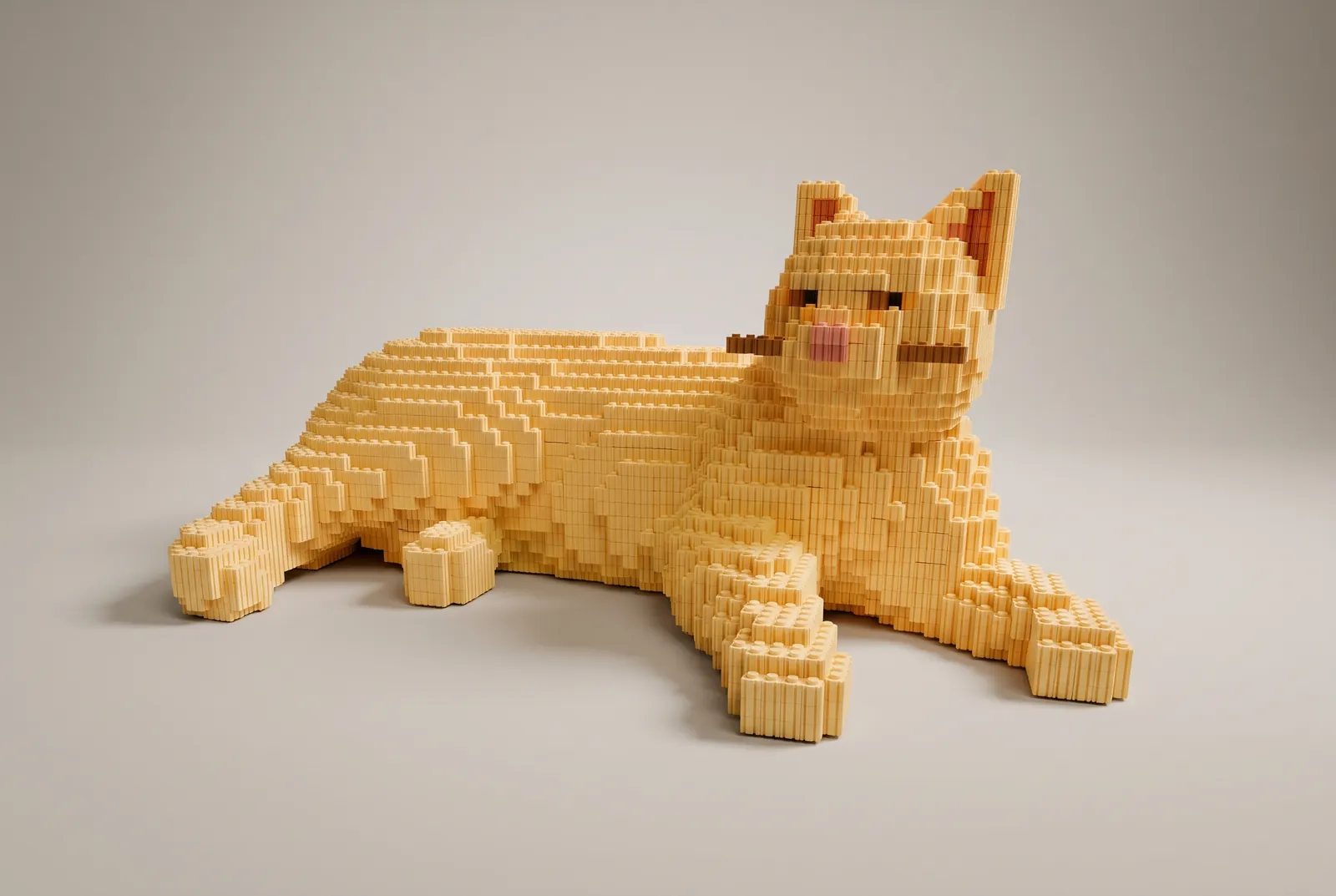
- Napping ginger cat
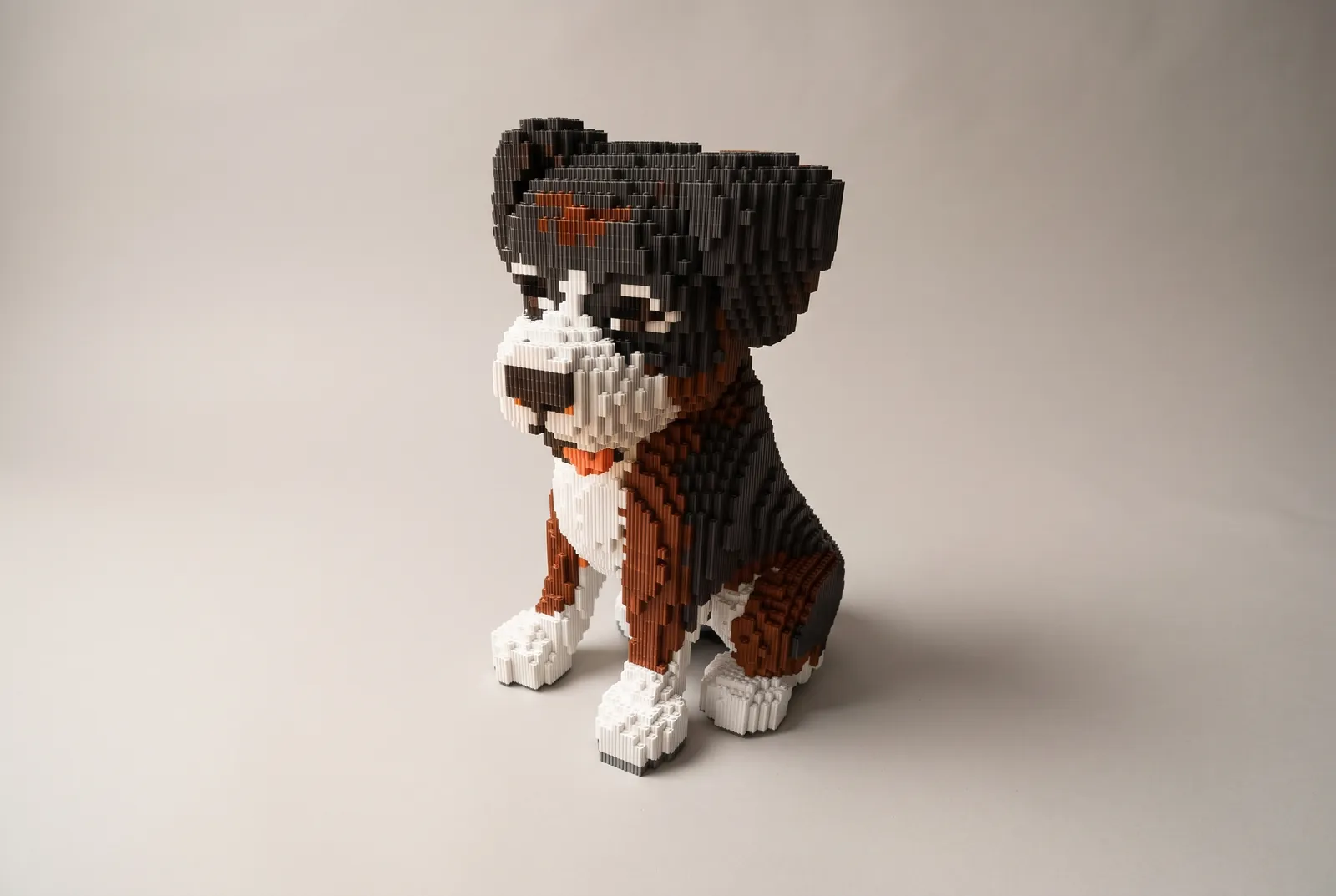
- Border collie, sitting
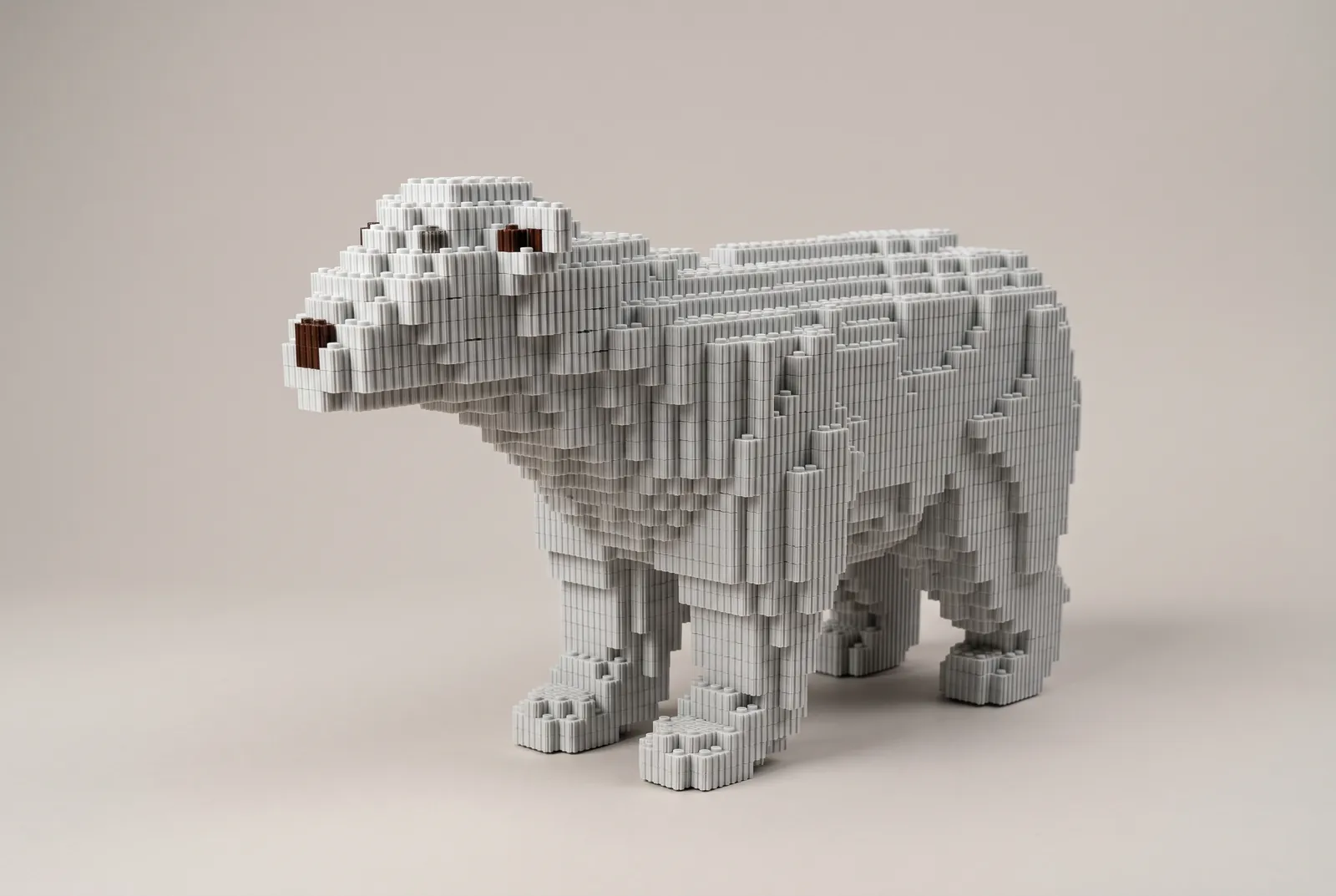
- Samoyed out for a walk
- Shiba on patrol
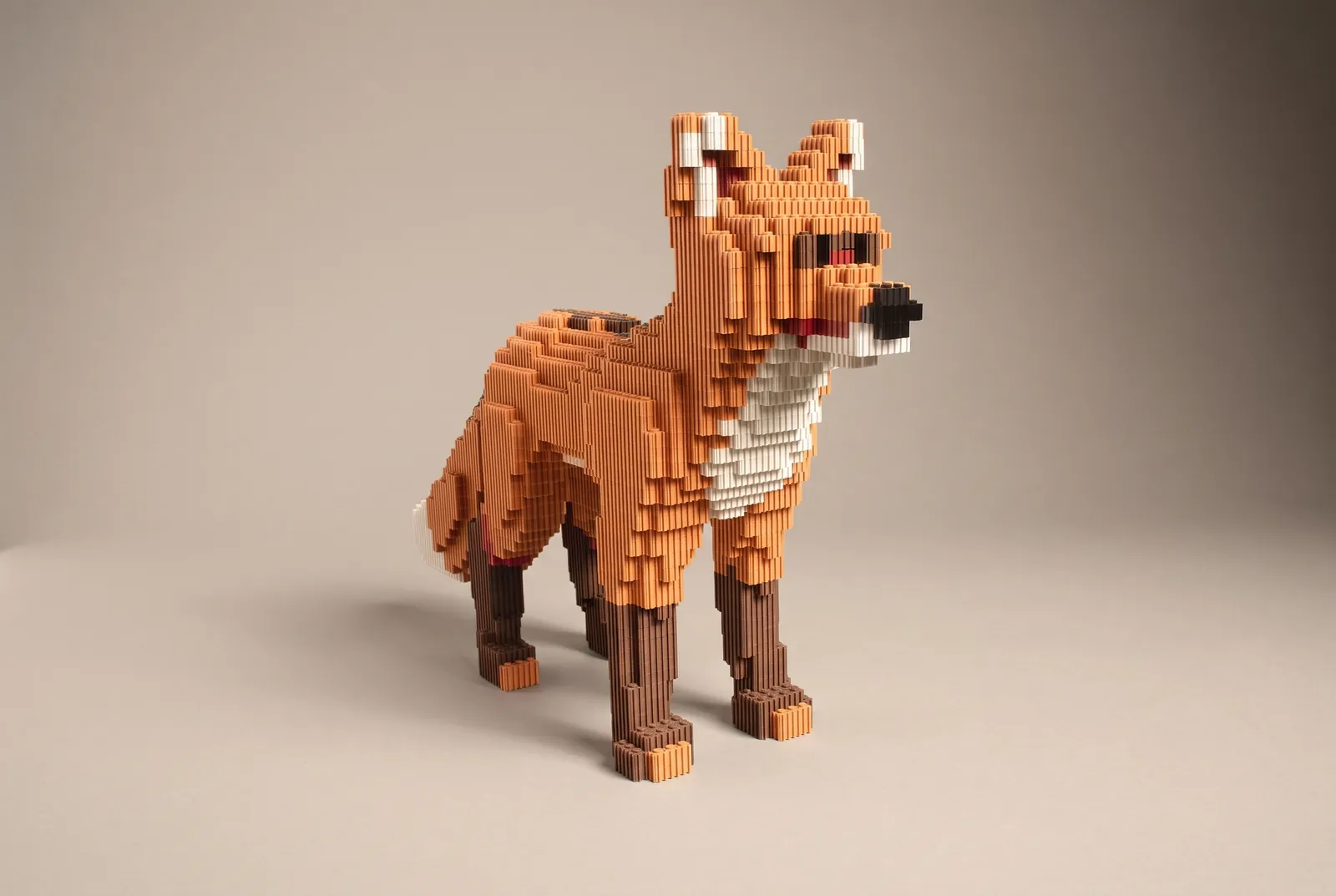
- Ragdoll cat
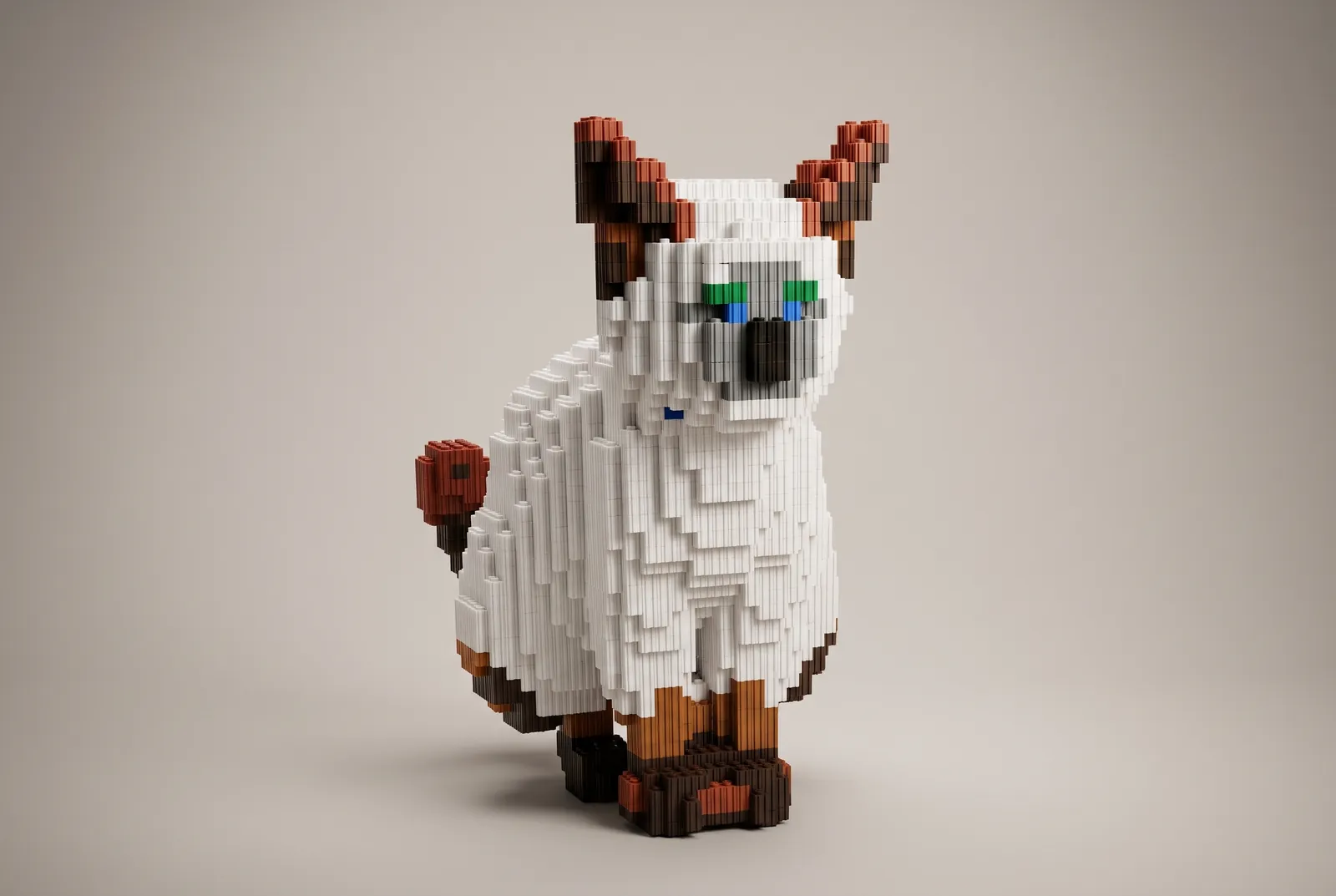
- Corgi looking back
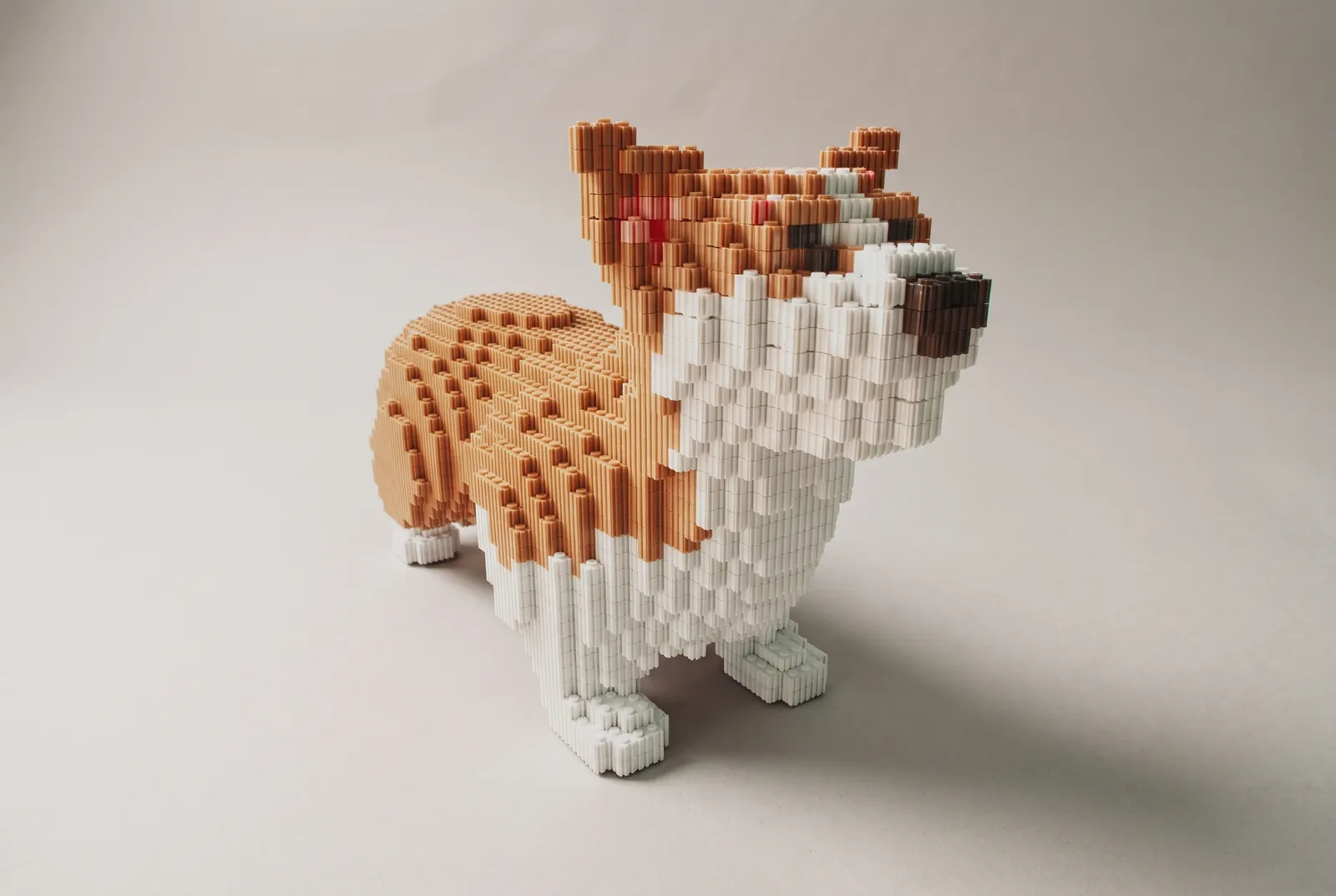
- Bichon
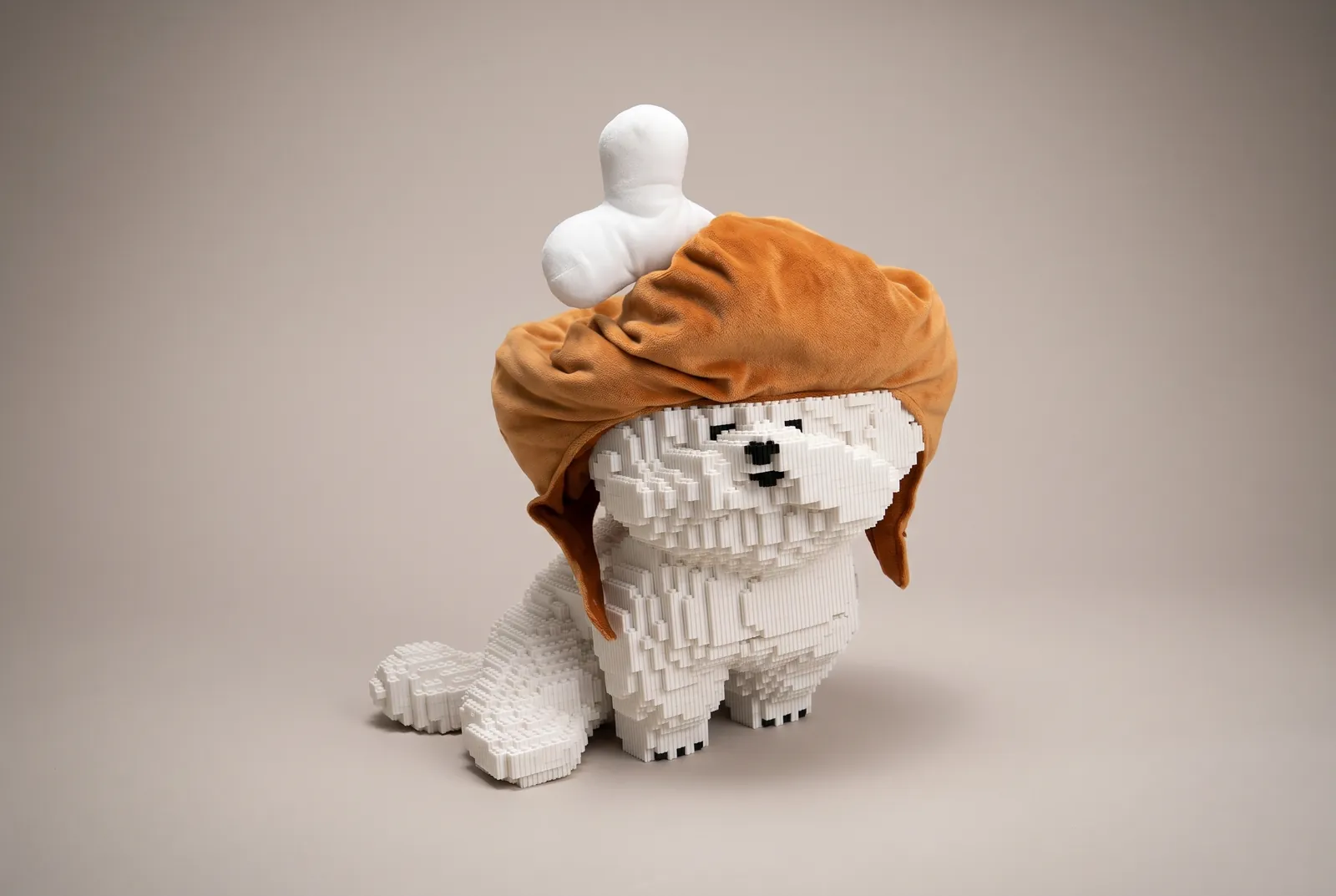
- Black cat
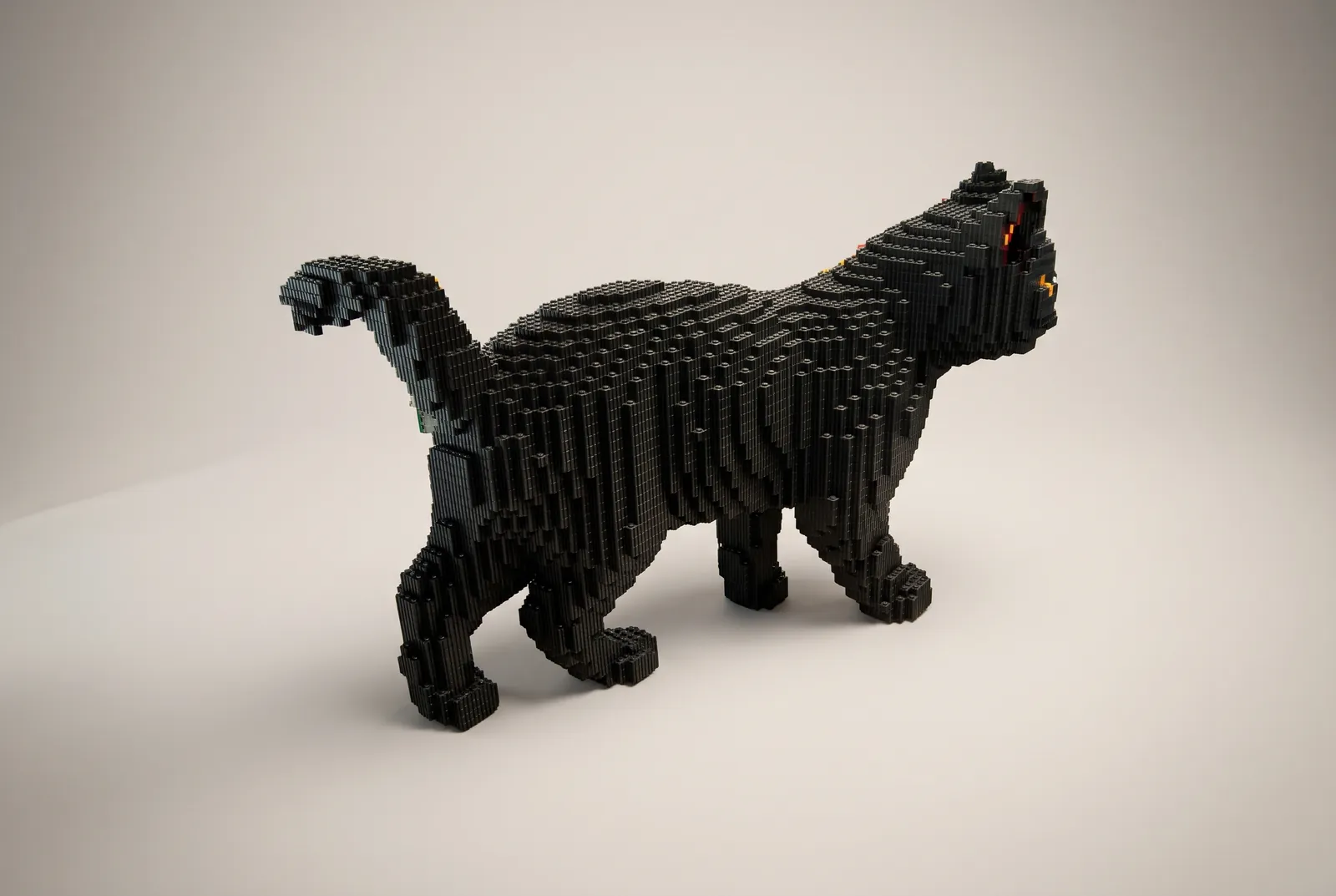
- Ginger-and-white cat
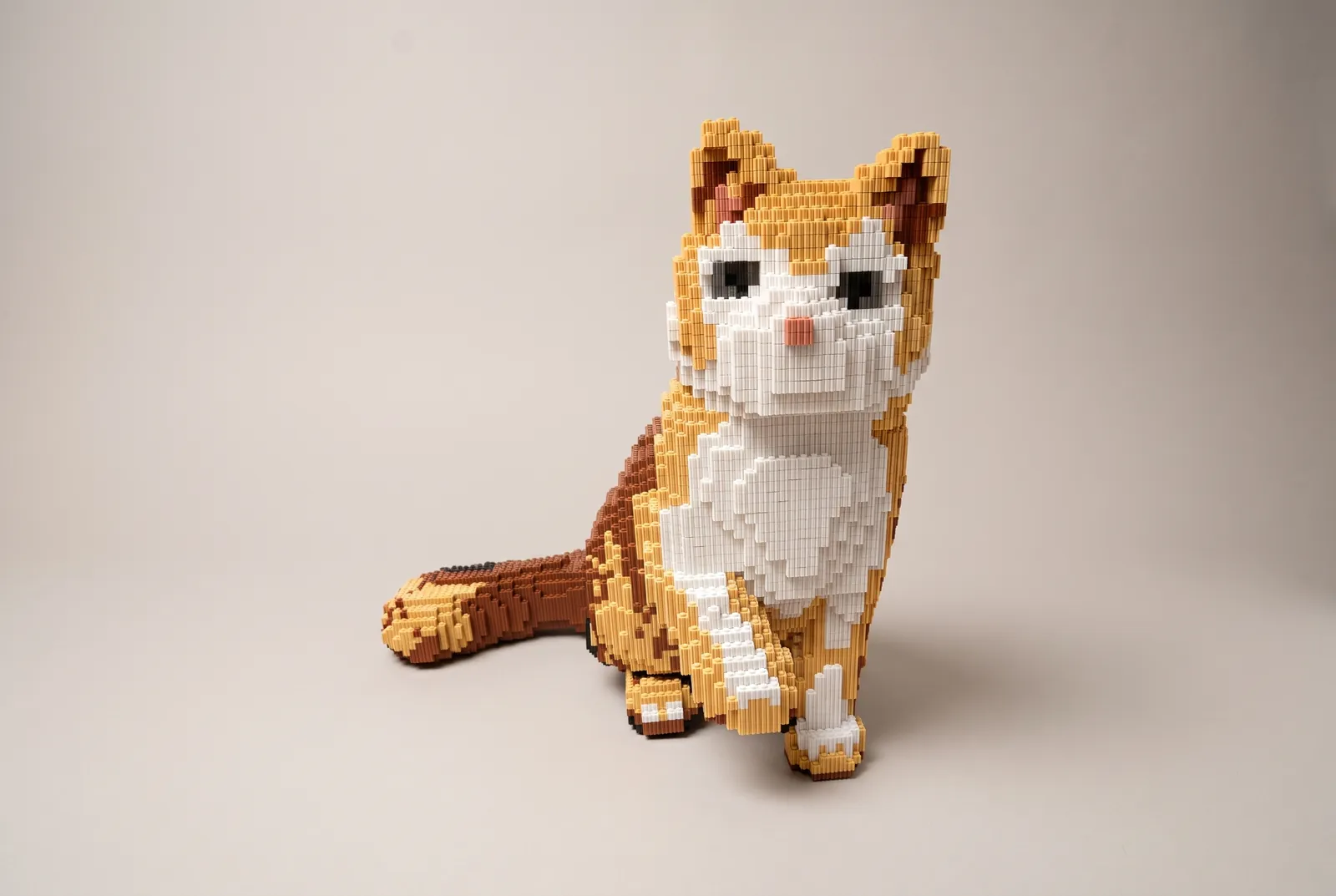
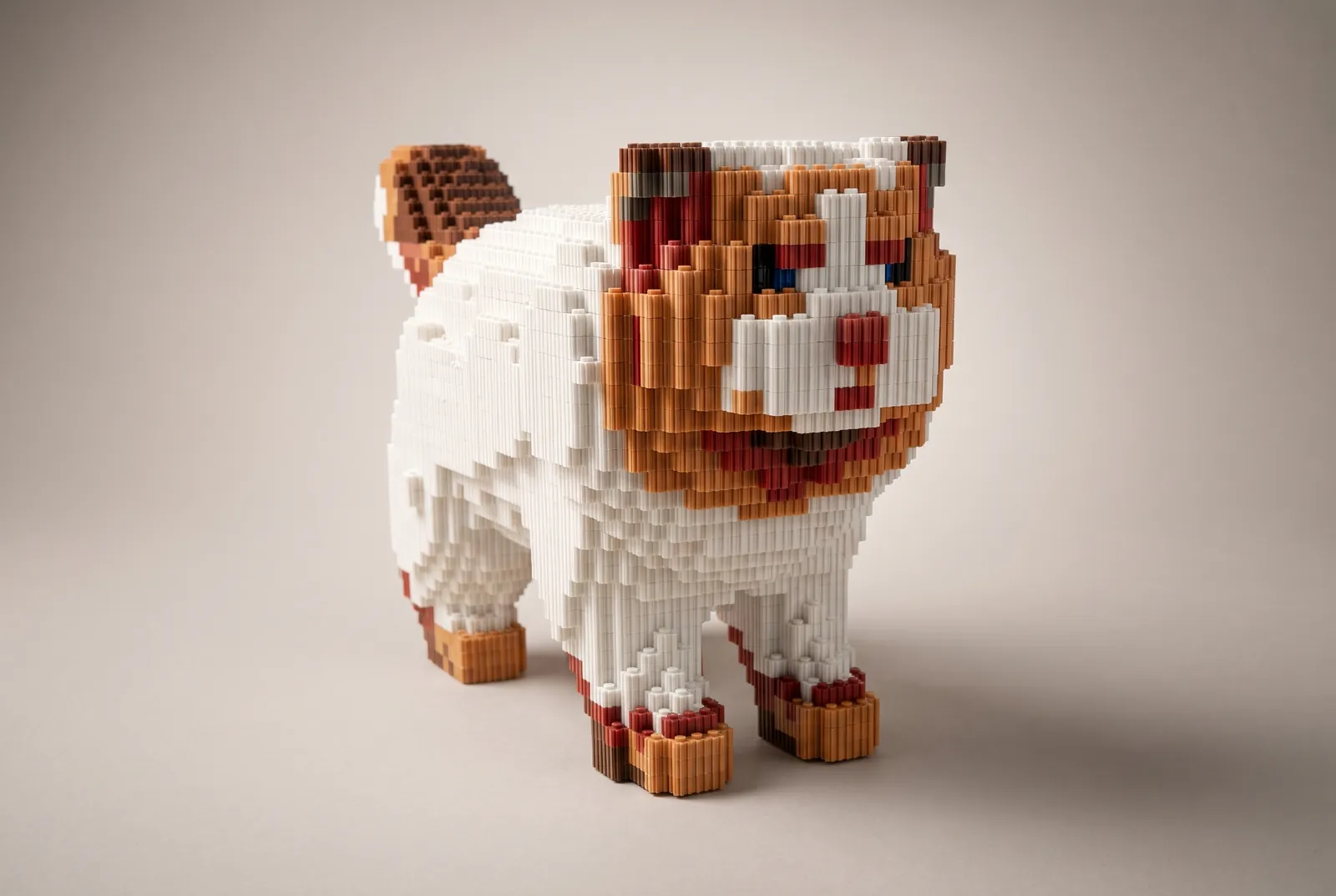
- Little lion dog
This manual has just three steps.
No modelling skills, nothing to install. It all happens in your browser.
- 1GLB · up to 100 MB
Drop in a model
Drag a 3D model into the designer, pick a size, and get bricks in seconds. Colours come from its textures, matched to 22 brick colours.
- 2Paint · Add & remove · Mirror
Make it yours
Paint colours like you’re sketching, add or remove bricks, move the whole thing. Edits save as you go, even if you switch sizes and back.
- 3Parts list · Layer-by-layer guide
Build it
Know how many packs to buy, by colour and length. Then build layer by layer, with every brick’s spot marked.
The wall · 8 builds
Already built
Real builds made from SoBricks designs.
- №01Napping ginger catSize XL · Real build
- №02Border collie, sittingSize L · Real build
- №03Samoyed out for a walkSize XL · Real build
- №04Shiba on patrolSize M · Real build
- №05Ragdoll catSize M · Real build
- №06Corgi looking backSize S · Real build
- №07BichonSize M · Real build
- №08Black catSize S · Real build
- This spot is yoursUpload a model, build it, share it — and it hangs right here.
What will you build next?
Drop a GLB into the designer and get bricks in seconds. No account needed to start; your work stays on this device.
Open the designer